YouTube without the algorithm
A free browser extension that opens YouTube on your Subscriptions feed: every channel you subscribe to, newest video first. No recommendations, no Shorts, no autoplay.
What it changes on YouTube
- Opens Subscriptions instead of the Home feed, so youtube.com lands on the channels you chose, in the order they posted.
- Hides the “what to watch next” recommendations beside and below videos.
- Hides the Shorts shelf.
- Turns off autoplay, so a video ending is a stopping point instead of a segue.
Every change is a checkbox in the popup, on its own, so you keep only the ones you want. Nothing else about YouTube changes: search, profiles, messages and posting work exactly as before.
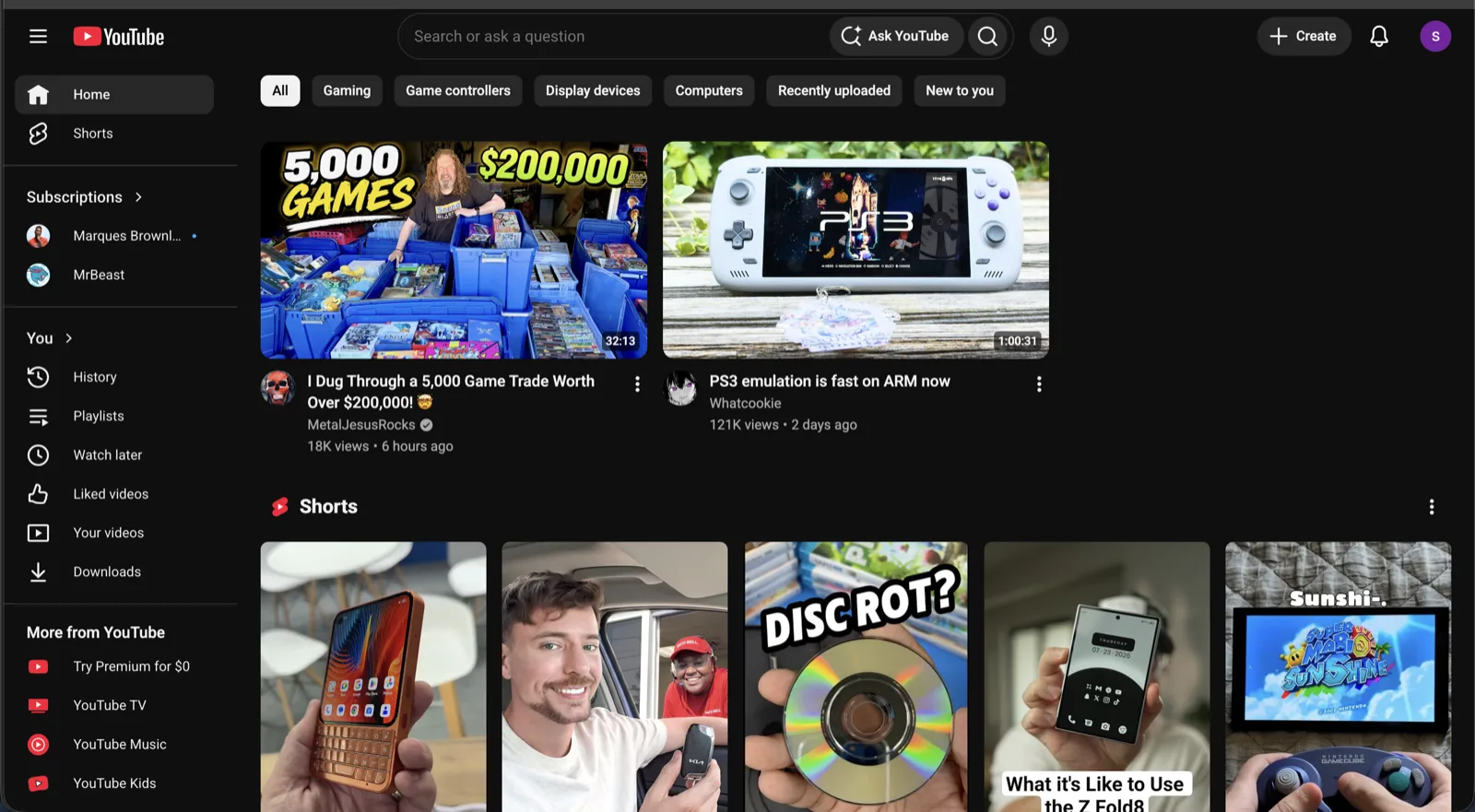
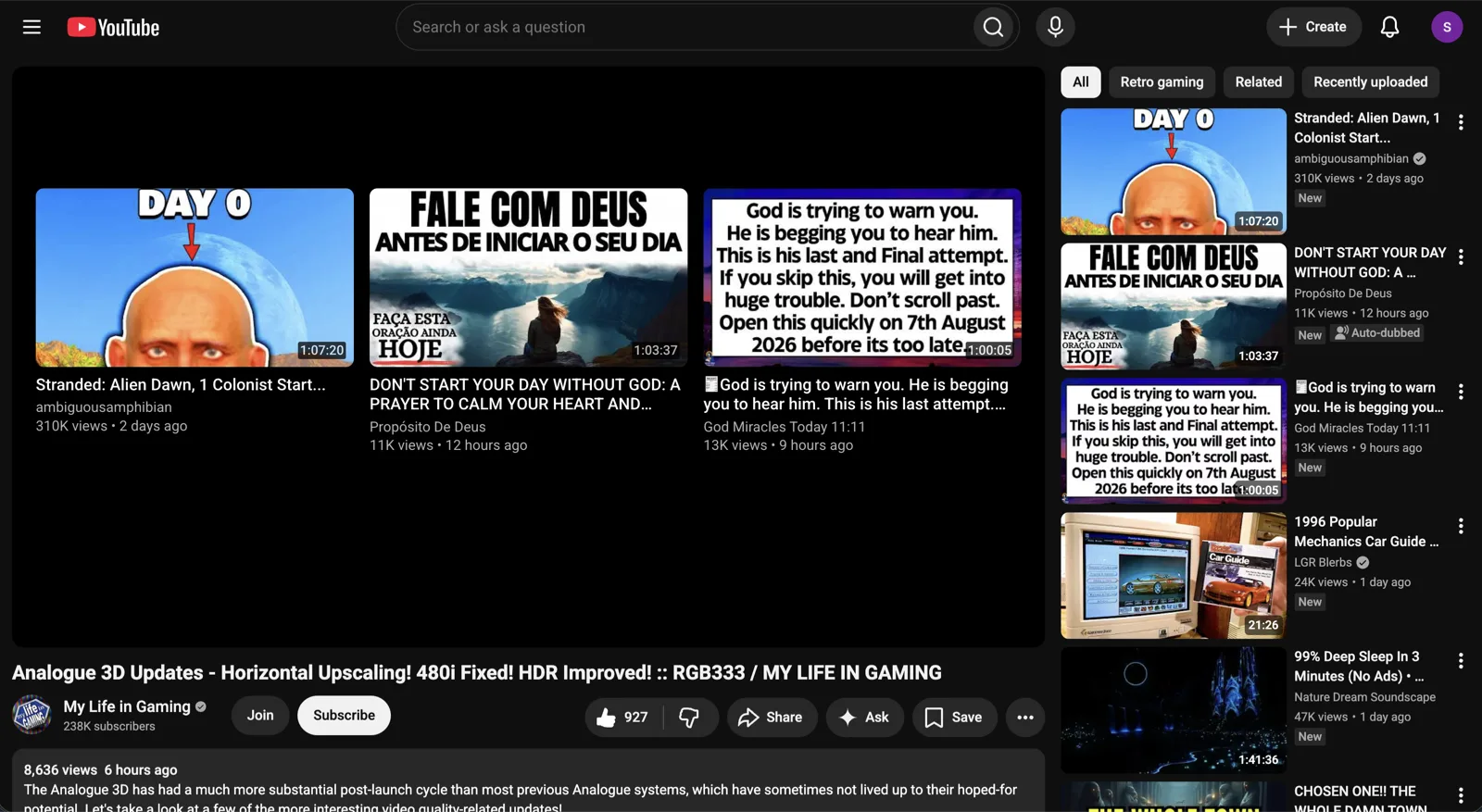
How do I turn off YouTube recommendations?
YouTube has no setting for it. The closest built-in option is pausing your watch history, which empties the Home feed entirely but also stops YouTube remembering where you left off in videos.
Not for You takes a different route: you simply never land on the Home feed. YouTube opens on Subscriptions, and the recommendation rails around videos are hidden. Your watch history keeps working.
How do I make Subscriptions my YouTube homepage?
YouTube does not offer this. With the extension on, going to youtube.com takes you straight to the Subscriptions feed instead, every time, in every tab.
How do I hide YouTube Shorts?
A checkbox in the popup hides the Shorts shelf. Like every option, it works on its own: you can hide Shorts and keep the rest of YouTube exactly as it was.
How do I turn off YouTube autoplay permanently?
The toggle in the player works, but it is stored per device and has a habit of finding its way back on. The extension keeps autoplay off for good, and a checkbox turns that behaviour off if you miss it.
Will this affect my account, subscriptions or history?
No. Everything happens locally in your browser: the extension redirects you to pages YouTube already has and hides elements on them. Nothing on your account changes, and turning the extension off puts YouTube back exactly as it was.
It also removes the algorithm from Instagram, TikTok, X/Twitter, Reddit, LinkedIn, Threads and Facebook. More on how it works.